The Purrfect Website

What makes the perfect website? The answer to that question can be hotly debated, and depends on the purpose of the site. Some clients want pages that ooze personality, others want a website that looks like someone else’s that they’ve seen and loved. And some people ask for one with all the bells and whistles and latest marketing gimmicks they’ve read about.

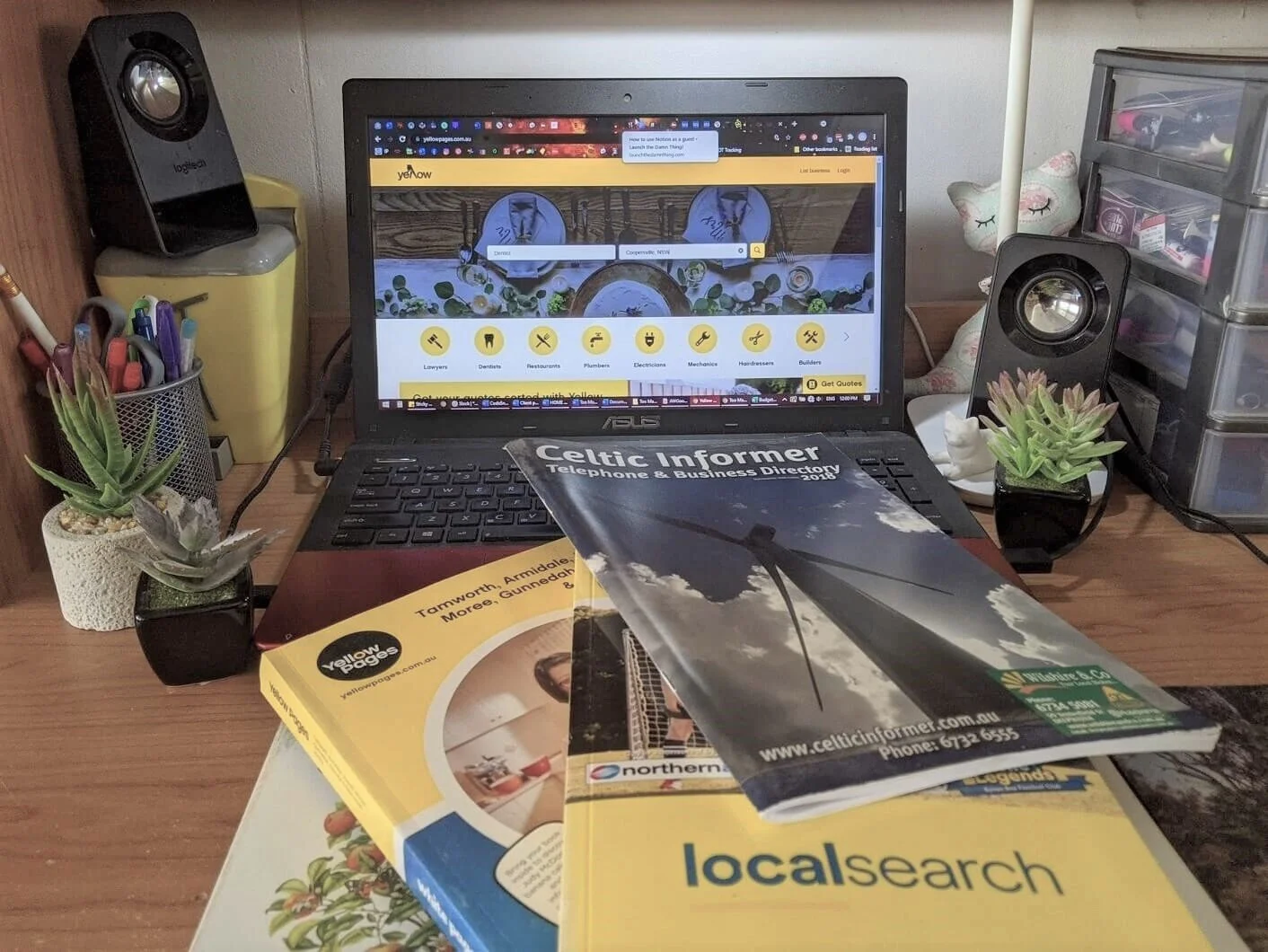
I won’t let you build a website like this!!!
If you come to me, I’ll advise you to build the site your customers want (and need) to see. This might not necessarily be the one you think you want or need. Don’t worry, your site will reflect your personality (after all, it is you and your product or service that we are selling); but I will steer you away from fad trends or blatant hard sell devices, and towards the creation of something that advertises your unique position in your marketplace, builds trust in your audience, and invites your customers to act.
Both money and time are important factors in the decision-making process too. I find that those pesky dollars are particularly problematic, so I build sites to a budget, which means that you know before signing a contract exactly how much the work is going to cost. That isn’t unusual, of course, but I build sites for people with low budgets. People like me, entrepreneurs and small business owners who are bootstrapping their empire! We can’t afford a glitzy site that takes weeks or months to code and build and requires regular updates and fixes just to keep it running smoothly (hello WordPress - I’m looking at you here). We need a web presence that is beautiful, personalised, and achieves its purpose without breaking the bank or requiring massive ongoing maintenance fees.
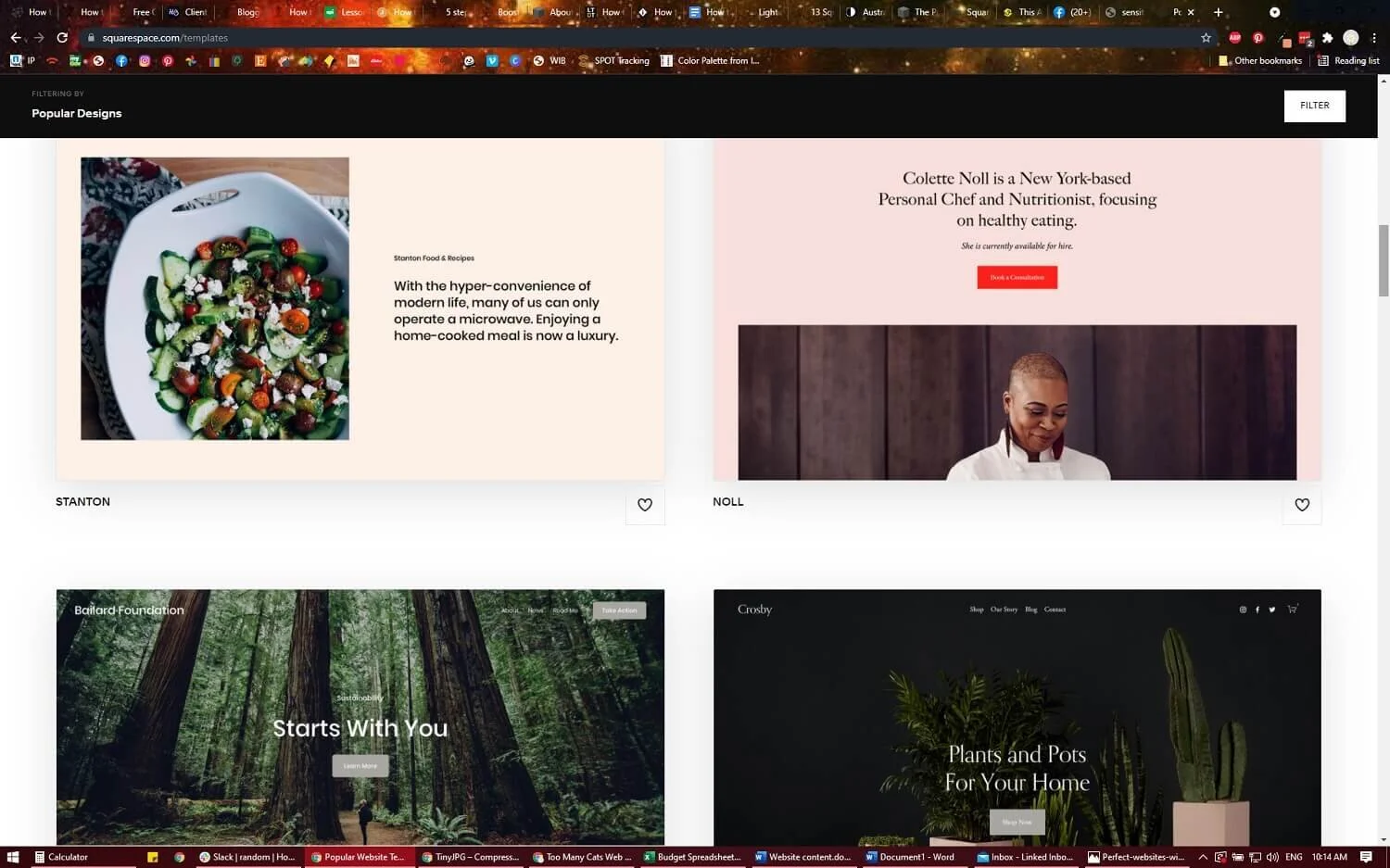
Squarespace is the ideal platform for DIY beautiful, effective websites.
How do I do this? The answer is simple: use the right platform. Currently, I work solely with Squarespace as it is hands-down the best platform I’ve found for speed of build and ease of upkeep while still being beautiful and highly customisable. In fact, anyone can build a beautiful website with Squarespace (or other builders such as Wix or Shopify), with a little time and effort. If you have the capacity to DIY, go for it! I’ll even direct you to some great sites for beginner Squarespacers that will help you get started (scroll to the end of the post).
There is more to a great site than just the aesthetics though, and that’s where things get a little more complicated. We also need to consider SEO (Search Engine Optimization) and AIO (Artificial Intelligence Optimisation) which is all about how Google and other engines find your site and where it is ranked in search results (you wanna be at the top, right?); page loading speeds (customers might click away if they have to wait more than a second or so for a site to load); readability, usability and accessibility (the effectiveness of the UI - User Interface); and the total customer experience when they visit and (hopefully) stay on your site (the UX, or User Experience). There’s also analytics, email marketing, CTAs (calls to action), CRM (customer relationship management), funnels, and integration with other platforms such as shopfronts and payment gateways to consider. There’s a lot going on here!
If you have the time, you can learn all of this. I did! But I did it as part of building my service - in other words, the time spent on educating myself IS part of my business. If you are making silver earrings or coaching bodybuilders, you may not want to spare the time for this type of self-education. If this is you, hire a designer to build your website and spend the time saved on building your products and services.
Squarespace DIY resources:
Squarespace itself has a huge library of free articles, FAQs, tutorials and webinars to help you find your way around the platform. A good place to start is their brief overview here and the Getting Started video series here.
Another option is to take a Squarespace design course yourself. These can cost well over a thousand dollars, but Becca Harpain from Inside the Square has a really affordable course for beginners here.
And don’t forget to check out my page of helpful resources - not all of these are about DIY Squarespace design, but there’s plenty of related info there.